
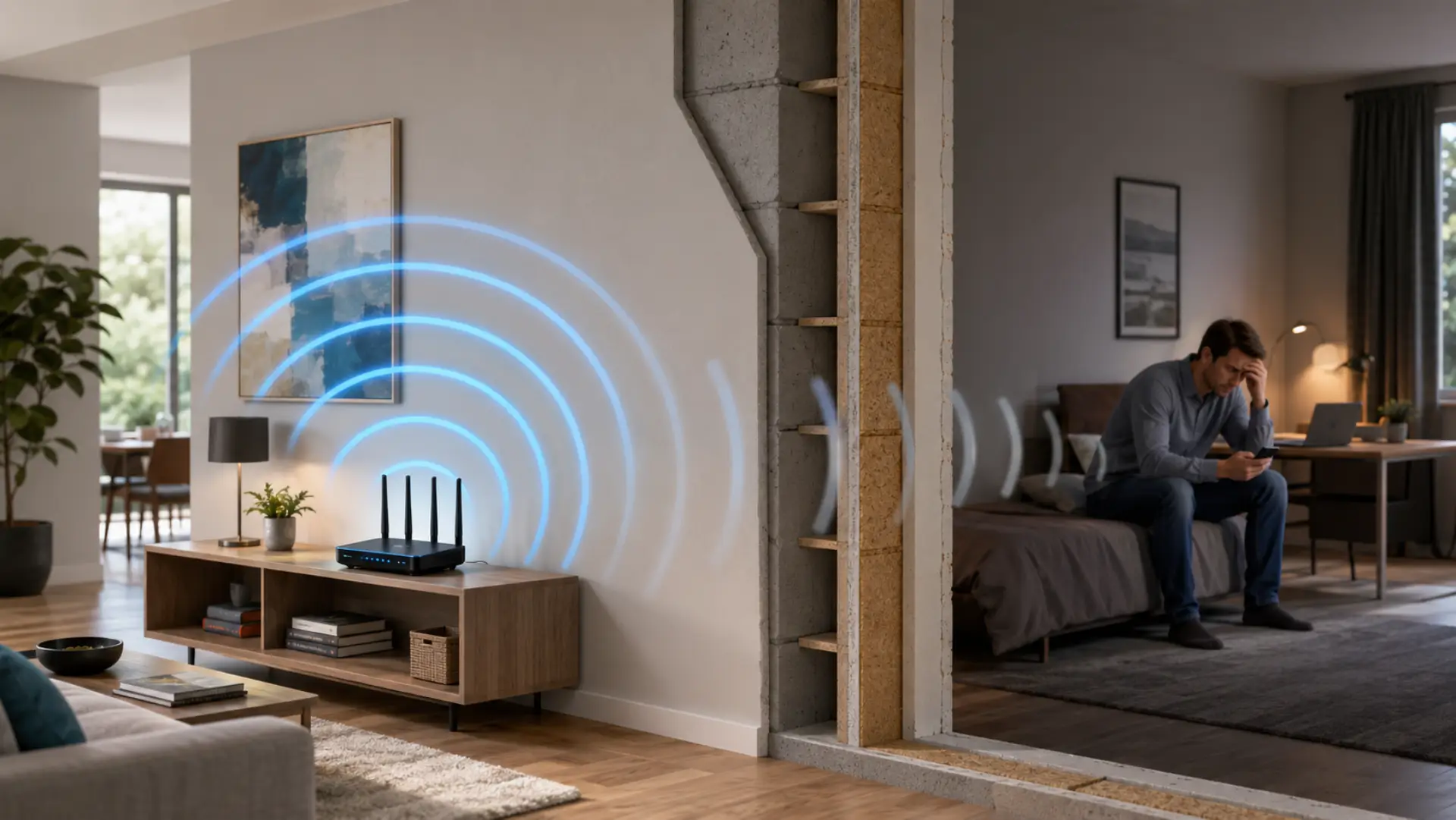
Weak WiFi Signals – Improve Coverage Across Larger Homes

A router hidden in a cabinet, placed near the floor, or positioned at one extreme end of the building begins with a disadvantage. A more central, elevated, open position can often improve coverage.
Avoid surrounding the router with large metal objects or burying it behind entertainment equipment. People reading home technology articles may encounter many advanced networking suggestions, but physical placement remains one of the simplest variables to test.
Think in Three Dimensions
Large homes aren’t only wide; many are tall. A router on one end of a ground floor may need to reach rooms through both distance and several layers of building material.
Experiment with a more central position before assuming the router lacks enough power.
Understand What Blocks WiFi
Wireless signals lose strength as they travel through a building. Dense walls, masonry, concrete, floors, large appliances, metal structures, and certain building layouts can make a distant room harder to reach.
Interference from nearby wireless networks and household electronics may also affect performance. Browsing technology resource directories can expose you to many proposed fixes, but diagnosing your specific layout is more useful than applying every networking trick you find.
Modern routers may offer multiple frequency bands with different tradeoffs between speed, range, and congestion. Automatic band steering can help on compatible equipment, though behavior varies by router and device.
Choose Between Mesh, Extenders, and Access Points
A WiFi extender can improve coverage in some situations, but placement matters. Putting it inside an existing dead zone gives it little useful signal to repeat.
Mesh systems use multiple nodes designed to work together across a property. They can be convenient for larger or more complicated layouts, although buying several nodes may cost more than a basic router.
Wired access points are another strong option when Ethernet can be installed or already exists. Readers consulting digital setup notes may see numerous networking approaches, but the best choice depends on construction, wiring, budget, and the level of performance required.
For demanding offices, gaming areas, or media rooms, a wired connection can remain preferable where practical.
Improve the Network You Already Have
Restarting equipment may solve temporary glitches, but recurring coverage problems need a more permanent answer. Check router firmware through the manufacturer’s supported process, review device placement, and confirm that old network hardware isn’t creating an obvious bottleneck.
Remove equipment you no longer need and check whether unexpected devices are consuming network capacity. Secure the network with appropriate current security settings supported by your hardware.
If your router is supplied by an internet provider, learn which settings you are allowed to change before purchasing additional equipment.
Where WiFi Upgrades Go Wrong
A common mistake is placing extra nodes or extenders wherever the signal is already unusable. Additional equipment still needs a suitable connection back to the rest of the network, either wirelessly or through a wired connection.
Another mistake is confusing internet speed with WiFi coverage. Paying for a faster plan won’t necessarily fix a room where the wireless signal barely reaches.
Likewise, buying the most expensive router available doesn’t guarantee whole-home coverage. Building layout can matter as much as hardware specifications.
Frequently Asked Questions
Where should a WiFi router be placed in a large house?
A central, open, elevated location is generally worth testing. Avoid enclosing the router in cabinets or placing it beside large obstacles. The ideal position depends on the home’s size, floor plan, construction materials, and device locations.
Is mesh WiFi better than a range extender?
Mesh systems can provide more coordinated coverage across larger spaces, while extenders may offer a cheaper solution for smaller problem areas. Performance depends on placement, hardware, backhaul quality, interference, and the property’s layout.
Why is WiFi strong downstairs but weak upstairs?
Distance, floors, walls, router position, and building materials can weaken signals between levels. Moving the router or adding a correctly positioned mesh node or access point may improve coverage.
Fix Coverage Before Buying More Speed
Reliable WiFi starts with understanding whether the problem is coverage, interference, equipment, or the internet connection itself. Test different rooms, improve router placement, then decide whether mesh equipment, an extender, a wired access point, or Ethernet makes sense.
Solve the physical network problem first. A well-placed network built around your actual floor plan often performs better than expensive hardware installed without a plan.